Buy Ergonomic Office Chairs Online for Better Everyday Support
An ergonomic office chair should adapt to your body, desk and working style. Whether you work from home, study or spend long hours at a workstation, the right combination of seat height, back support, arm position and movement can make sitting feel more natural.
IAFA brings its 27 ergonomic office-chair options together at accessible prices. Explore high-back and mid-back designs, breathable mesh and easy-care leatherette across multiple colours and capacities. Current options cost ₹3,499 - ₹8,999; selected models add adjustable lumbar support, headrests, arms, tilt locks, recline controls and multi-lock mechanisms. Check the chosen variant before ordering.
What Makes an Office Chair Ergonomic?
“Ergonomic” is not a single material, shape or feature. It describes how well a chair can be adjusted to support the person and task. A well-fitted chair lets you sit with your feet supported, thighs comfortably positioned, lower back supported and shoulders relaxed while reaching the keyboard.
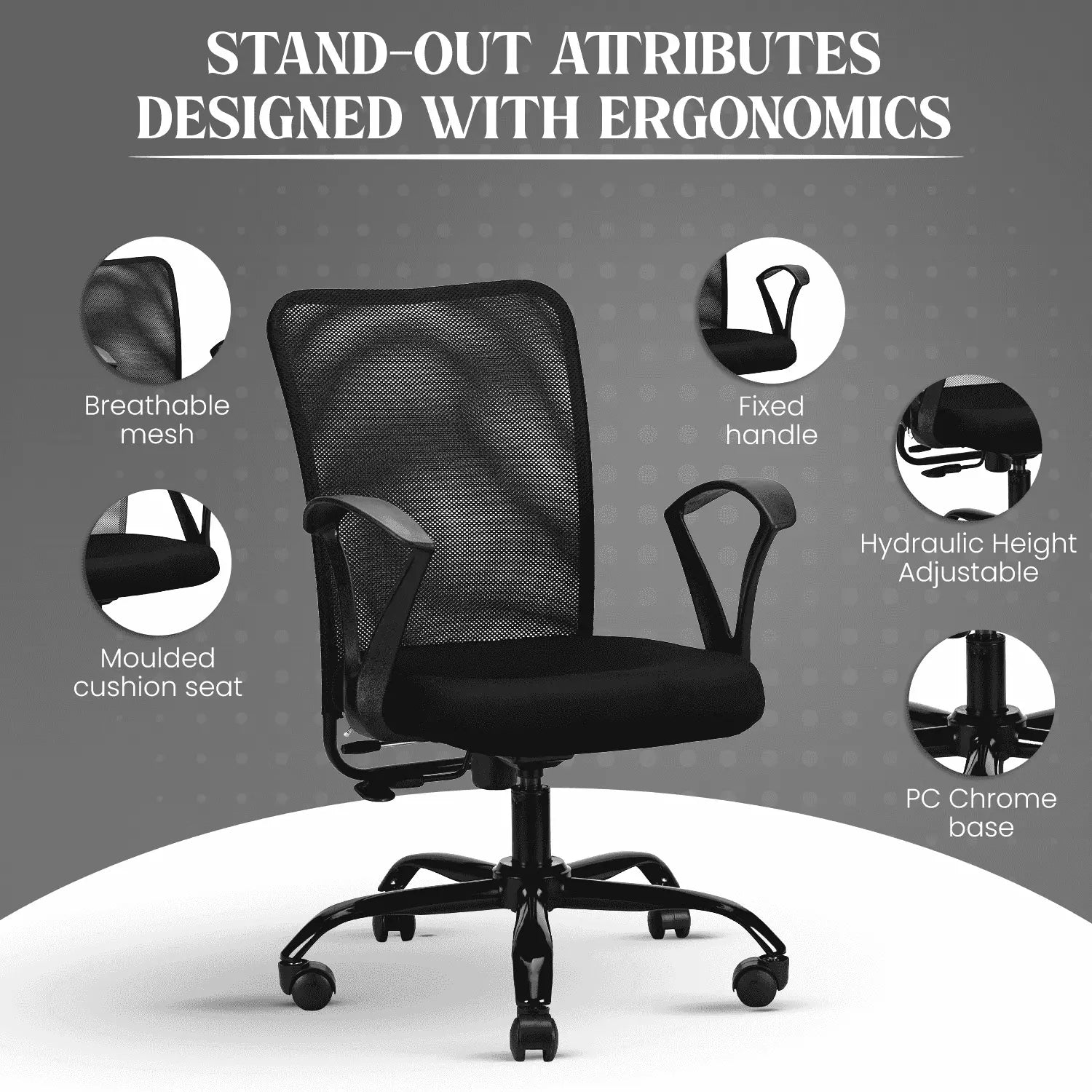
Useful adjustments depend on your body and routine. Seat height aligns the chair with your desk, while lumbar support follows the lower-back curve. Tilt or recline enables posture changes, and adjustable armrests help keep the shoulders relaxed. A seat slider provides finer control over thigh support and seat depth.
No chair makes prolonged sitting healthy. Change position regularly, stand or walk between sessions and arrange the workstation correctly. An ergonomic chair supports positioning; it is not a treatment for persistent pain or a substitute for medical advice.
High-Back or Mid-Back Ergonomic Chair?
High-back ergonomic chairs
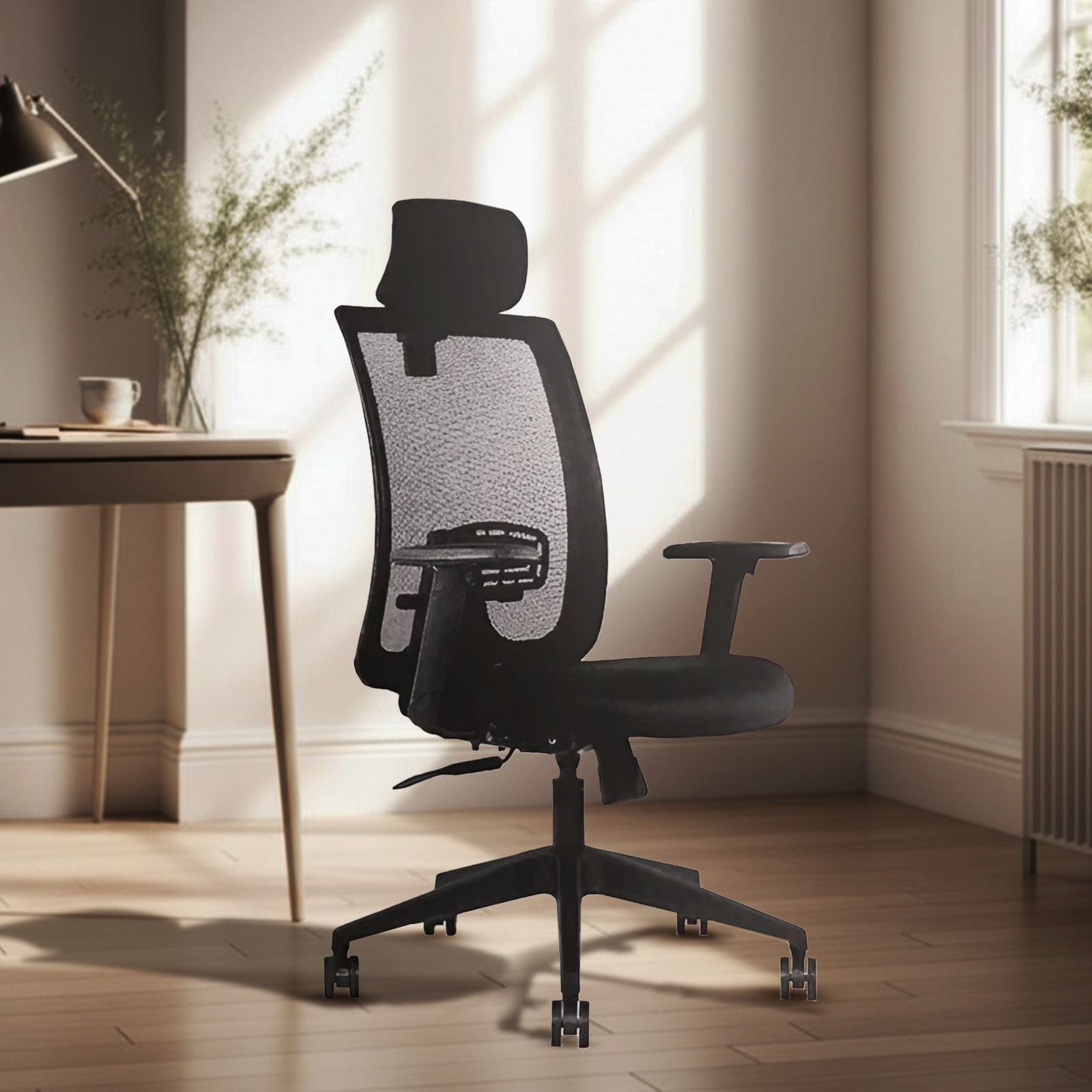
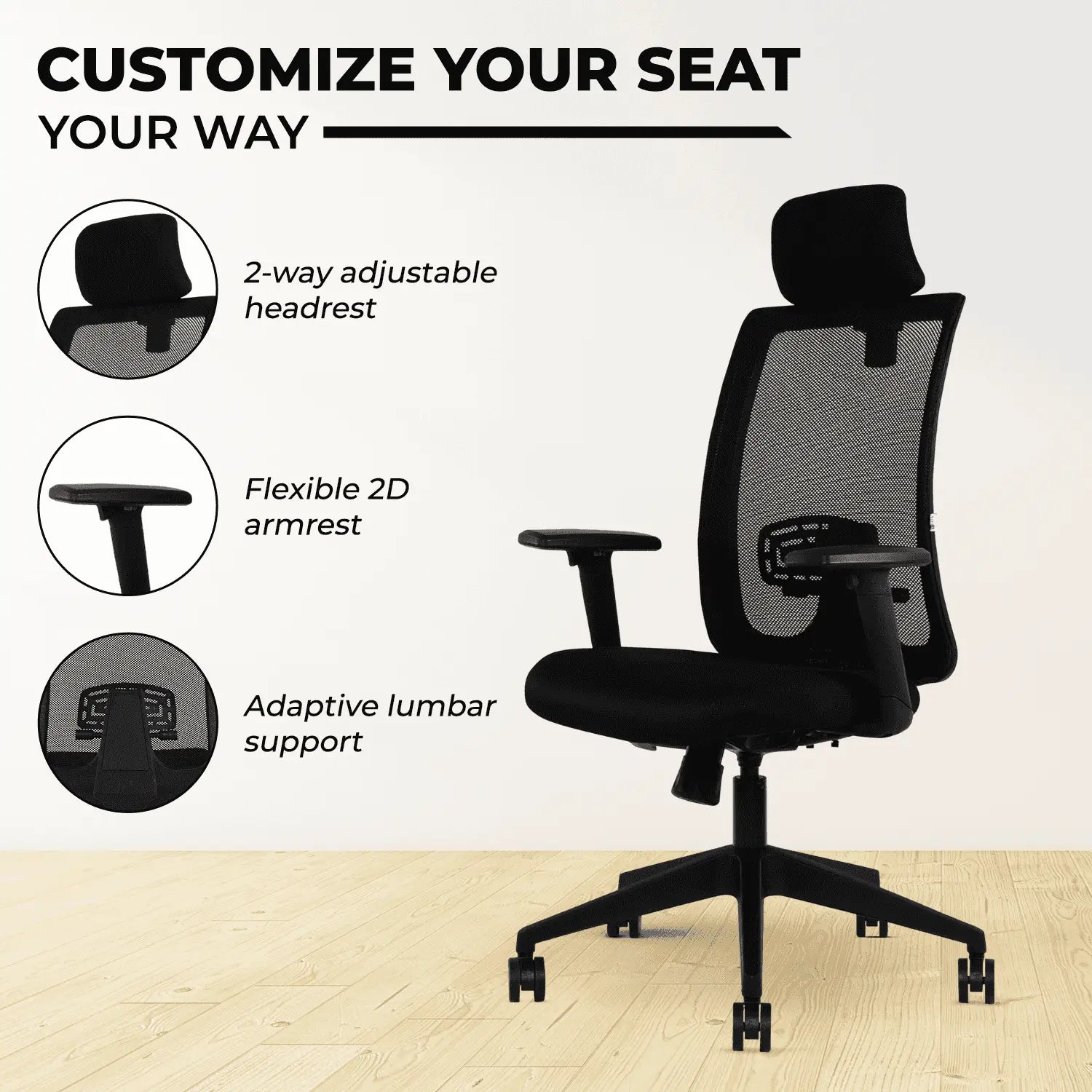
A high-back office chair supports more of the upper body and may include a headrest. It suits users who want fuller back coverage, alternate between upright work and reclined breaks, or prefer a substantial executive profile. IAFA’s high-back range includes breathable mesh options and cushioned leatherette chairs for home offices, cabins and daily workstations.
Choose a headrest that meets your head or upper neck without pushing it forward. If the headrest is adjustable, set it after adjusting seat height and back support.
Mid-back ergonomic chairs
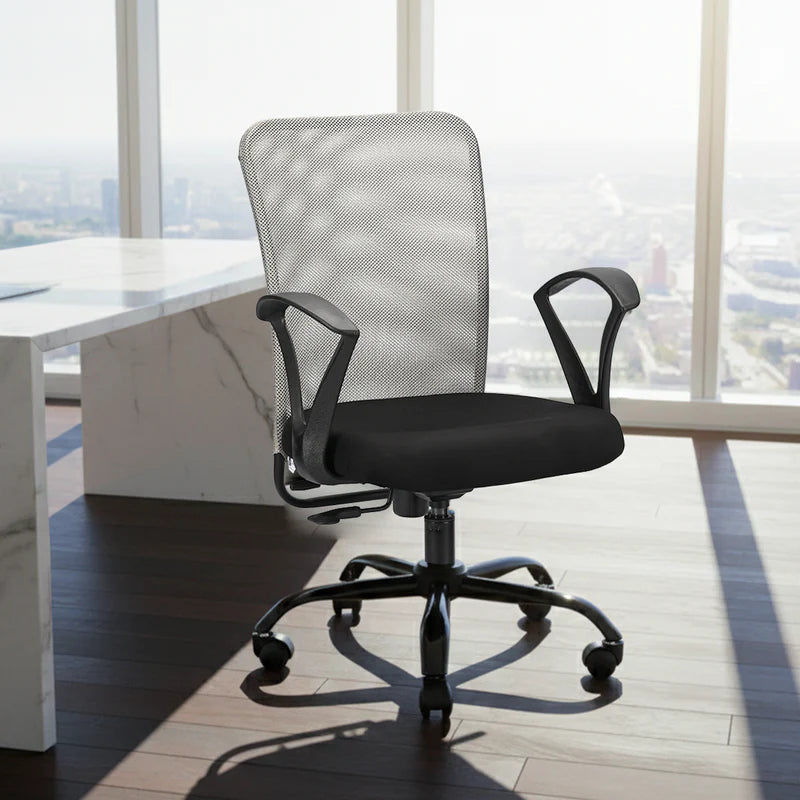
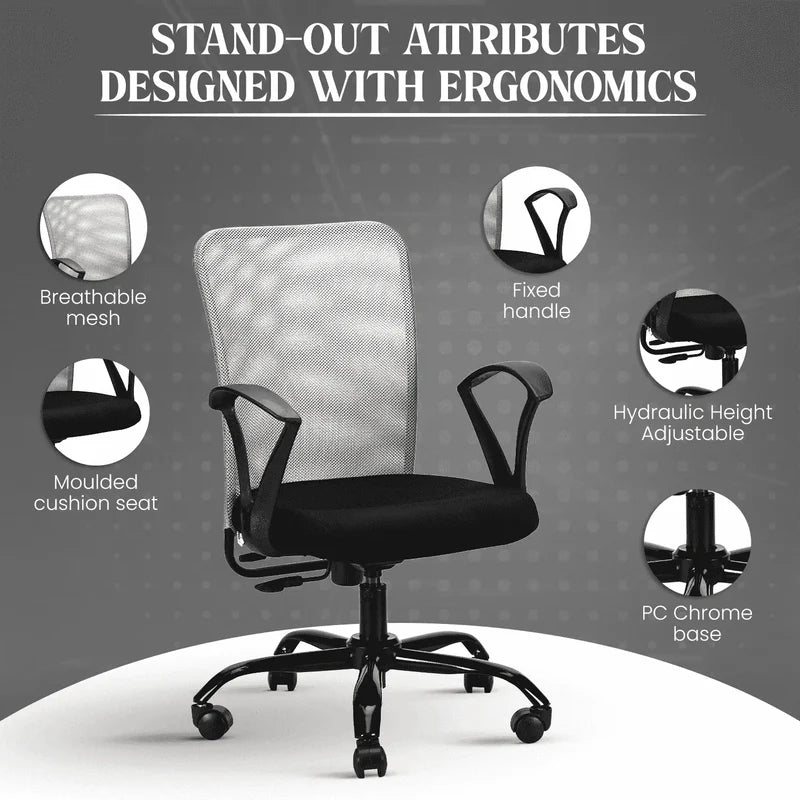
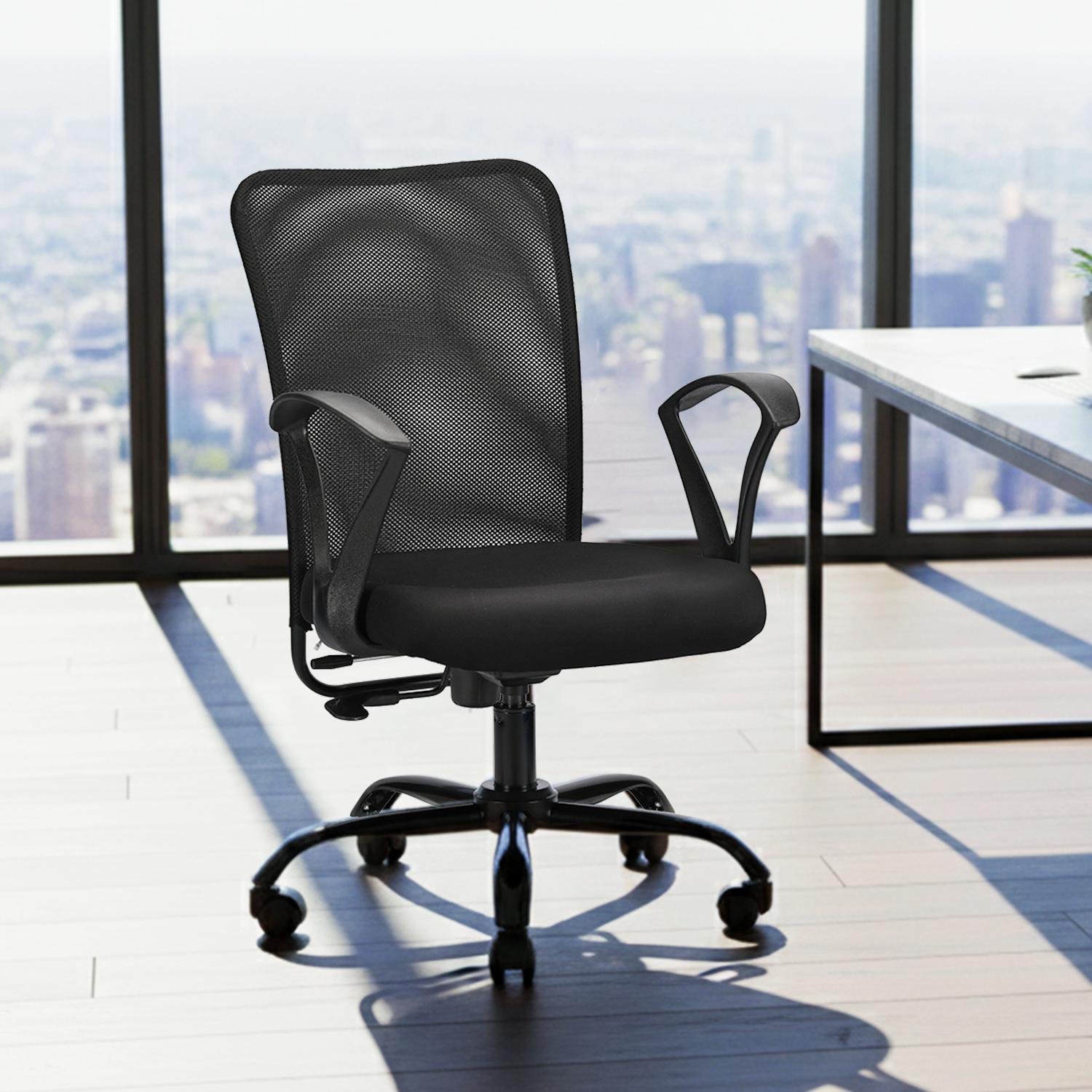
A mid-back office chair has a more compact footprint and keeps the upper body relatively free. It can work well at study desks, smaller home offices, meeting tables and shared workstations. Diego Mid Back, Rico, Pearl and Magna provide budget-friendly choices without the visual bulk of a tall executive chair.
Backrest height alone does not determine comfort. A correctly fitted mid-back chair can be a better choice than an oversized high-back design, especially when space is limited.
Mesh or Leatherette: Which Material Should You Choose?
Mesh allows airflow around the back and can feel fresher in warm rooms or during longer sessions. It also gives a workspace a light, contemporary appearance. Check the backrest tension, lumbar shape and seat cushioning because mesh designs can feel different even when they look similar.
Leatherette creates a smooth, cushioned and formal finish. It coordinates with executive desks and is straightforward to wipe clean. Brown, black, beige and bronze can add warmth to cabins and home offices. Comfort still depends on padding, contours and fit, not appearance alone.
IAFA offers both materials, including mesh-focused Ergolux and Nova options and leatherette designs such as Dune, Zen, Imperium, Brio and Jade. Confirm the material and colour on the exact variant because specifications can differ within a model family.
Ergonomic Features Worth Comparing
Lumbar support
Lumbar support should meet the natural curve of your lower back without creating a hard pressure point. Adjustable lumbar support is useful when several people share a chair or when you want finer control. A fixed contoured backrest can still work well if its curve matches your sitting height.
Seat height and depth
Set the seat so your feet rest flat on the floor or on a stable footrest. Your thighs should feel supported without pressure behind the knees. If a seat feels too long, a seat-depth slider can help create clearance while maintaining support. Bosco includes a seat slider for more precise adjustment.
Tilt, recline and locking positions
Basic tilt lets the chair move with you. Tilt lock holds a working position, while multi-lock systems provide more stopping points. Zen reclines from 90° to 135°, Imperium to 135°, and Bosco adds multi-lock control. Match the mechanism to how often you shift between focused work, calls and breaks; angle alone should not decide.
Armrests and headrests
Armrests should support the forearms while allowing relaxed shoulders and easy desk access. Adjustable arms are helpful when desk height, task or user changes. Bosco’s 3D armrests offer broader positioning control. A headrest is most relevant during recline and should support rather than push the head forward.
Base, casters and swivel
A stable base and smoothly moving casters help you reach nearby work areas without twisting. Match the wheel type to the flooring and use a suitable mat where needed. A 360-degree swivel is useful, but it should operate without looseness or instability.
Choose an IAFA Ergonomic Chair by Budget and Work Style
Office chairs under ₹4,000, options include Diego Mid Back at ₹3,499, Magna or Pearl at ₹3,699, Rico at ₹3,749 and Diego High Back at ₹3,999. These models suit buyers seeking an affordable task chair, compact study setup or essential height-and-tilt functions.
Around ₹5,500–₹6,000, Ergolux, Nova, Zenith, Brio and Jade expand the choice of back styles, upholstery and colours. Nova pairs high-back mesh with a single-lock synchro mechanism and heavy-duty nylon base. This tier balances home-office comfort, appearance and price.
Dune at ₹6,499 adds cushioned high-back styling. Imperium at ₹6,899 and Zen at ₹7,999 suit users who value deeper recline and an executive finish. Bosco at ₹8,999 is the current adjustment-led option, combining multi-lock recline, 3D armrests, an adjustable headrest and seat slider.
Displayed prices are useful for shortlisting, but features and fit should decide the final choice. Compare the exact product dimensions, recommended capacity, material and mechanism before checkout.
How to Check Chair Fit Before Buying
Start with your body, not the photograph. Check whether the seat-height range suits your lower-leg length and desk. Compare seat width and depth with the space you need, then confirm that the armrests fit under or beside the desk. Measure floor area for the five-point base and movement.
Check the selected model’s stated weight capacity. IAFA groups options as up to 90 kg, up to 110 kg and 110-plus kg, but rely on the individual specification. For a shared chair, prioritise reachable adjustments and a range that fits every user.
Set Up Your Ergonomic Office Chair Correctly
Sit fully back and adjust the height until your feet are supported. Position the lumbar area against the lower-back curve and set the armrests for relaxed shoulders. Bring the chair close enough to avoid leaning forward while typing. Keep frequently used items within reach.
Adjust the screen and keyboard after the chair. Keep the display at a comfortable eye level and place the keyboard and mouse for neutral wrists. Set recline tension to follow movement without dropping backwards or resisting excessively. Recheck everything after another person uses the chair.
Why Buy an Ergonomic Office Chair from IAFA?
IAFA Furniture covers different budgets, interiors and working habits, from compact mid-back seating to high-back adjustable designs. Colours include black, grey, brown, bronze, beige, white and selected green accents. Current benefits include a two-year warranty, free shipping, cash on delivery and prepaid offers, subject to product and store terms.